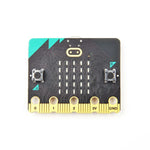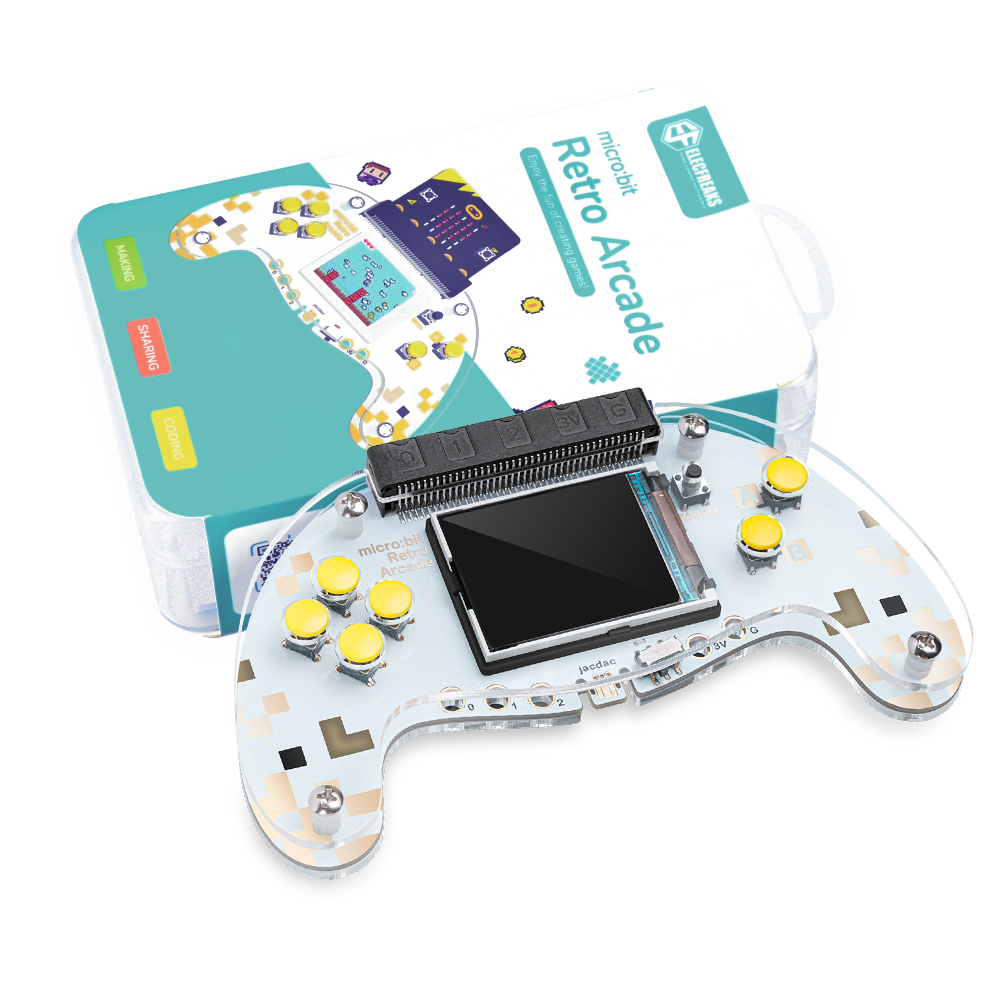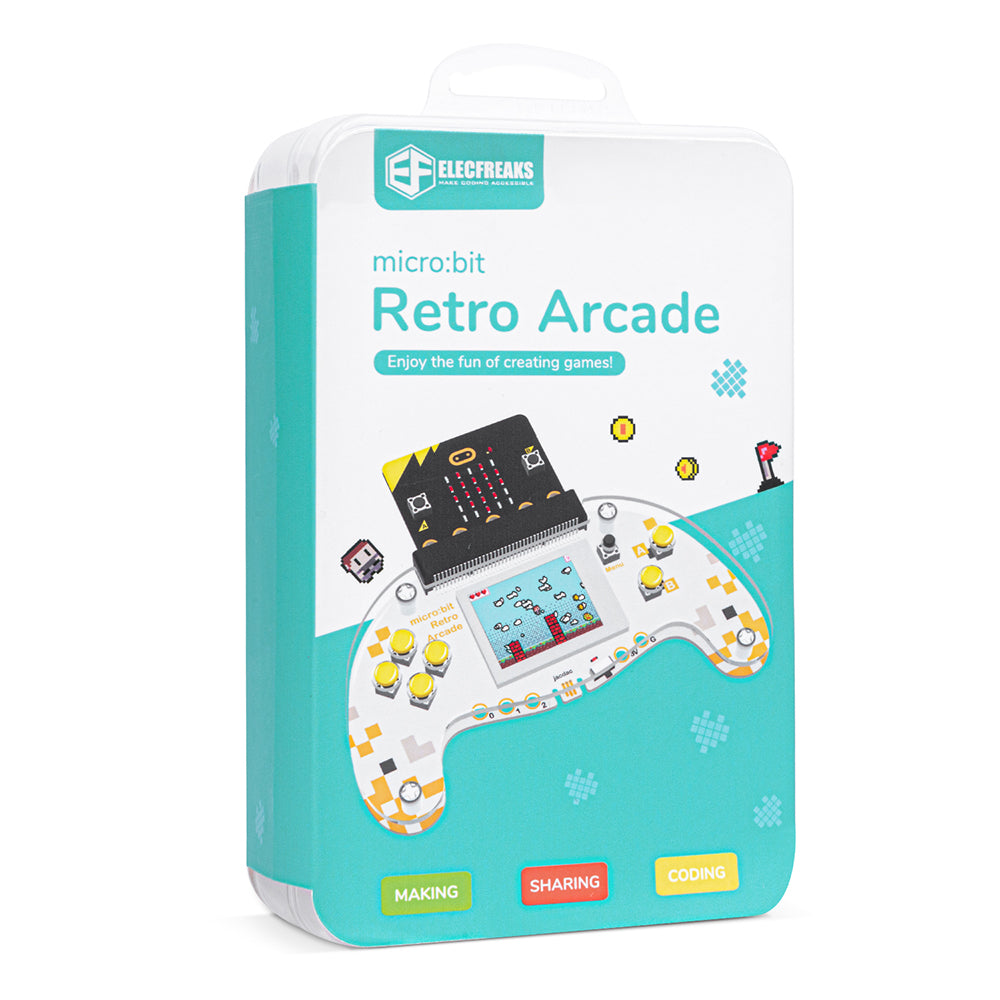
ELECFREAKS Microsoft MakeCode micro bit Arcade, DIY Programmable Game Console & STEM Education Kit

SKU: EF08282
Sale price
$29.90 USD
Regular price
$39.90 USD
You save
$10 USD (25%)
You can find the introduction of this product and many educational cases in our wiki.

Link:http://wiki.elecfreaks.com/en/microbit/expansion-board/microbit-retro-arcade

Option:
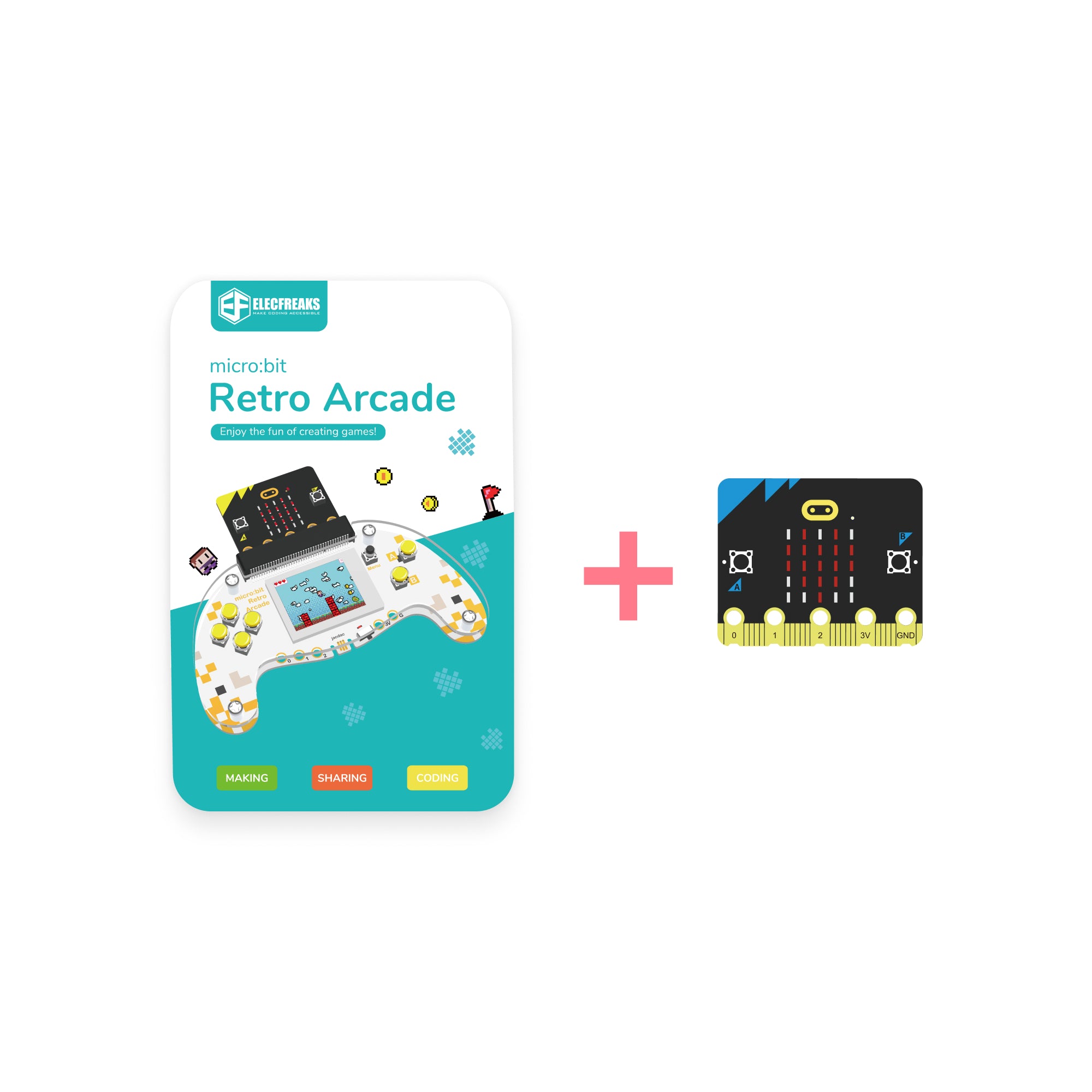
Kit Without micro:bit Board

Product variant with selected options does not exist!

In stock and ready for shipping

Frequently Bought Together

10,000+ schools choose ELECFREAKS — Trusted for quality STEM education.

Ways To Pay :

American Express
Diners Club
Discover
Google Pay
JCB
Mastercard
PayPal
Visa
Logistics method :
Professional Reviews - ELECFREAKS CM4 XGO-Lite

📝Media & Customer Reviews

2-in-1 Gaming and Remote Control | Fun and Creative STEM Learning
Video thumbnail
07:11

🎮 VIDEOJUEGOS hechos por ti: MONTA tu CONSOLA retro ARCADE | ValPat

VP
ValPat STEAM

Explora con nosotras la fantástica consola MicroBit Retro Arcade de @elecfreaks‬ Podrás descargar impresionantes videojuegos hechos por ti, con unos poco bloques y nuestra ¡será fácil y divertido!

Video thumbnail
49:03

Elecfreaks micro:bit Retro Arcade review and unboxing

KM
Kevin McAleer

The video reviews and unboxes the ELECFREAKS micro:bit Retro Arcade, showcasing how to use Microsoft MakeCode to create and run custom games on a simulator or hardware.

Video thumbnail
06:07

Análisis de Micro:Bit Retro Arcade | REVIEW EN ESPAÑOL

CM
CARÁCTER MAKER

Hello Makers! Today, I bring you a detailed analysis of this retro-style console, where you can play the games you design using the Makecode Arcade programming environment. I also present a comparison with another console from the same manufacturer available on the market, which also has its own review on the channel.

Description

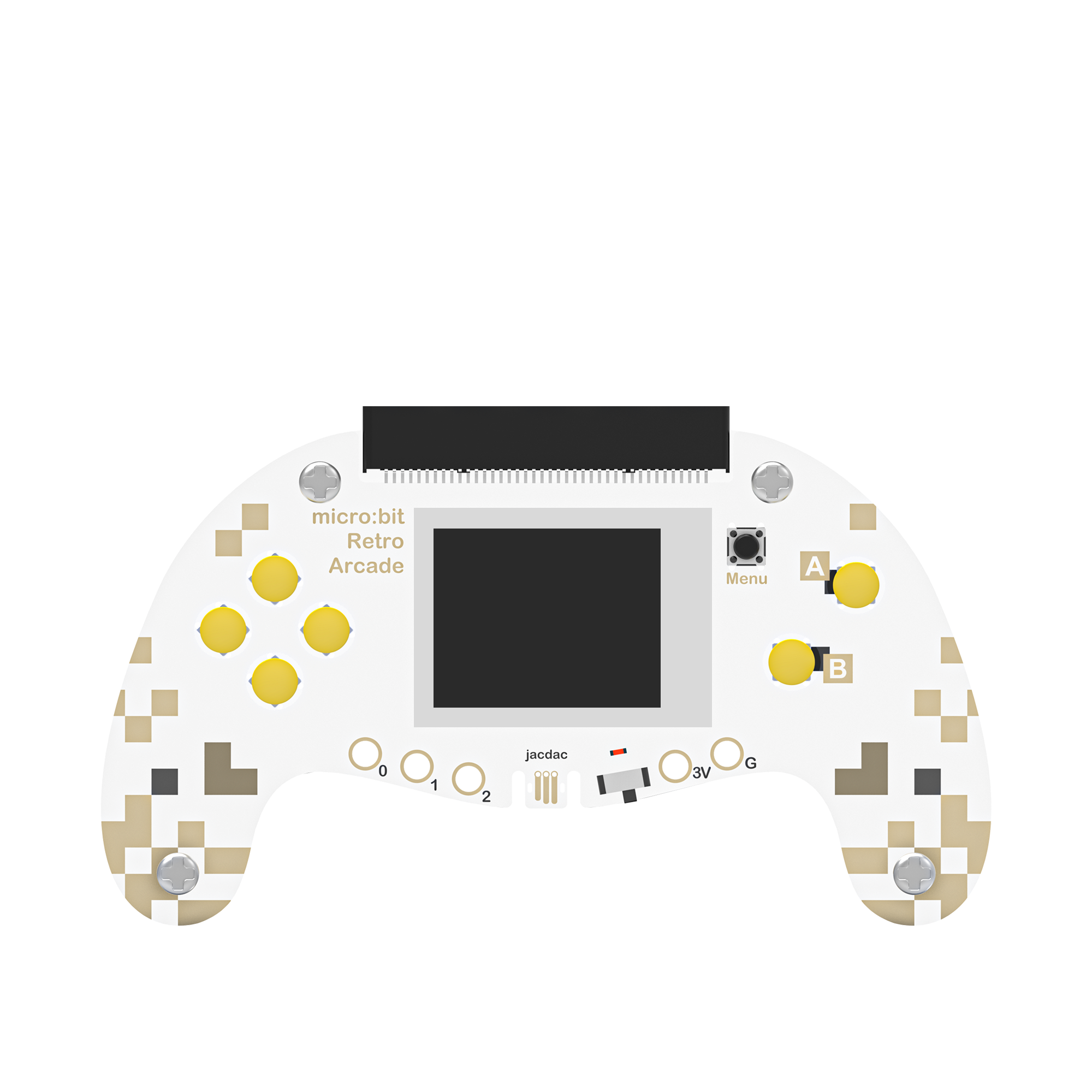
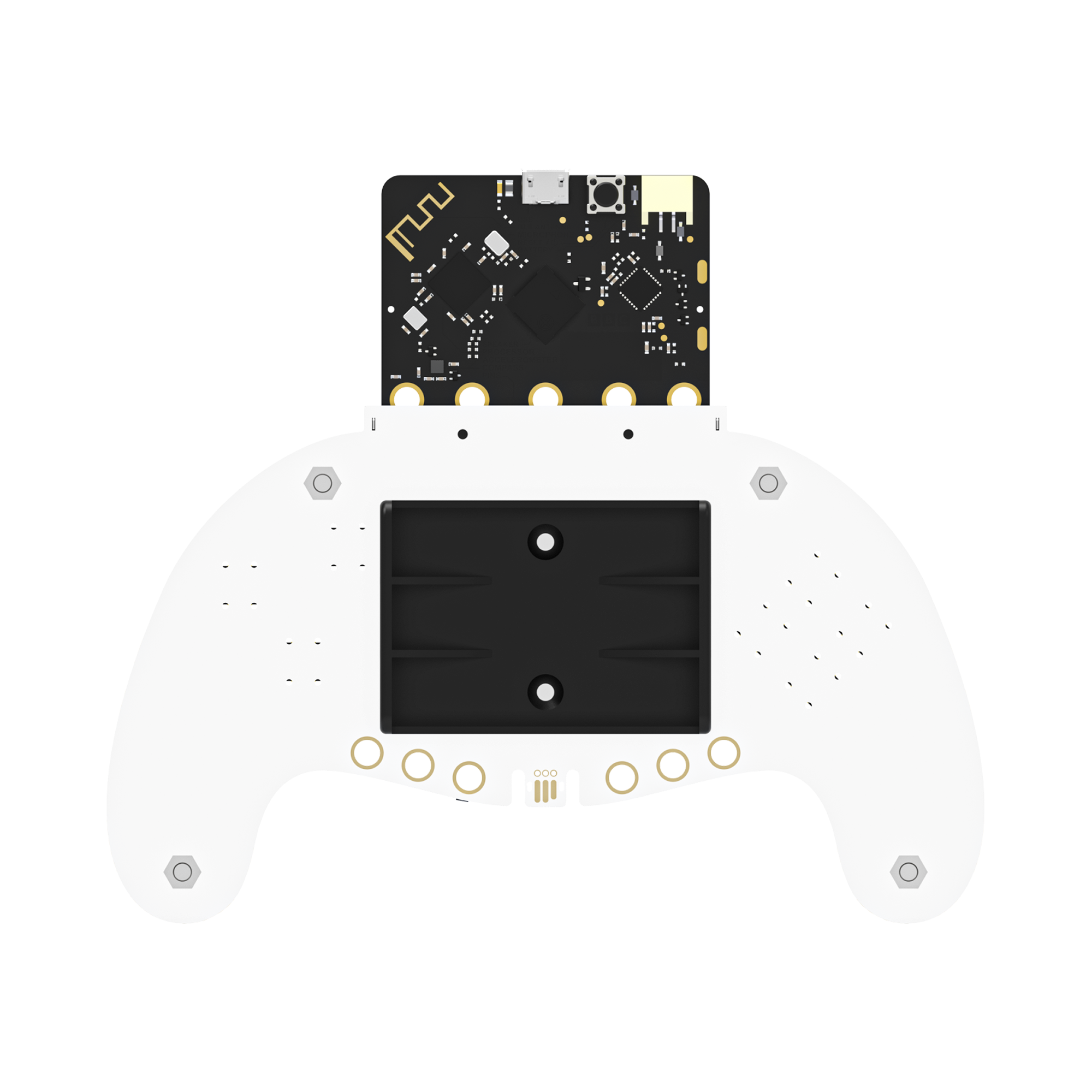
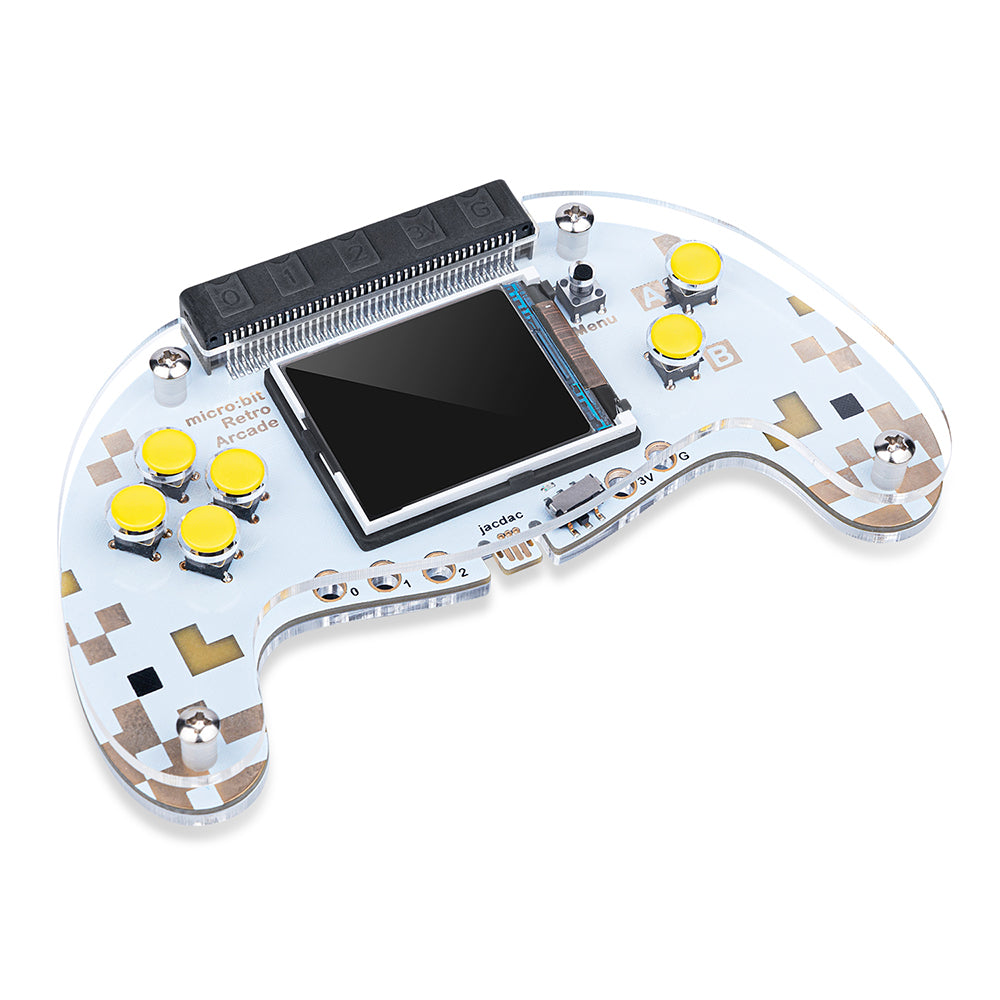
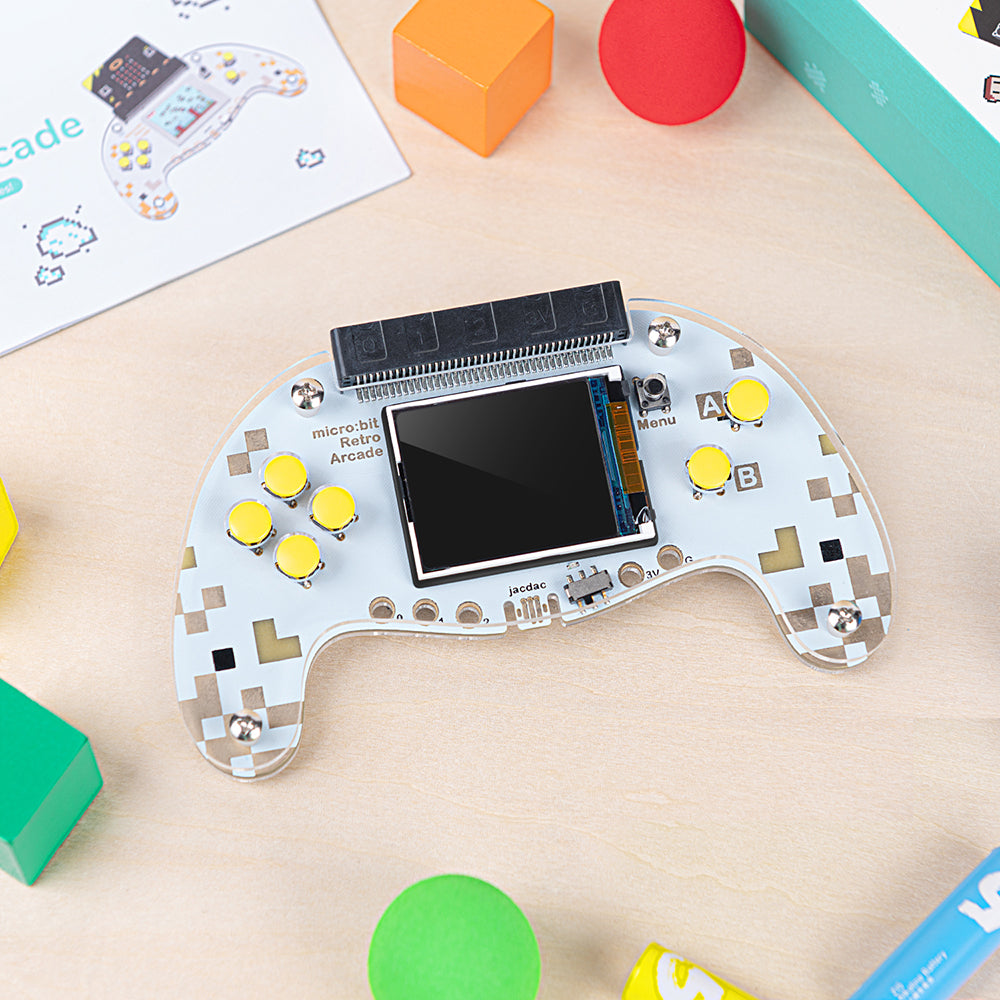
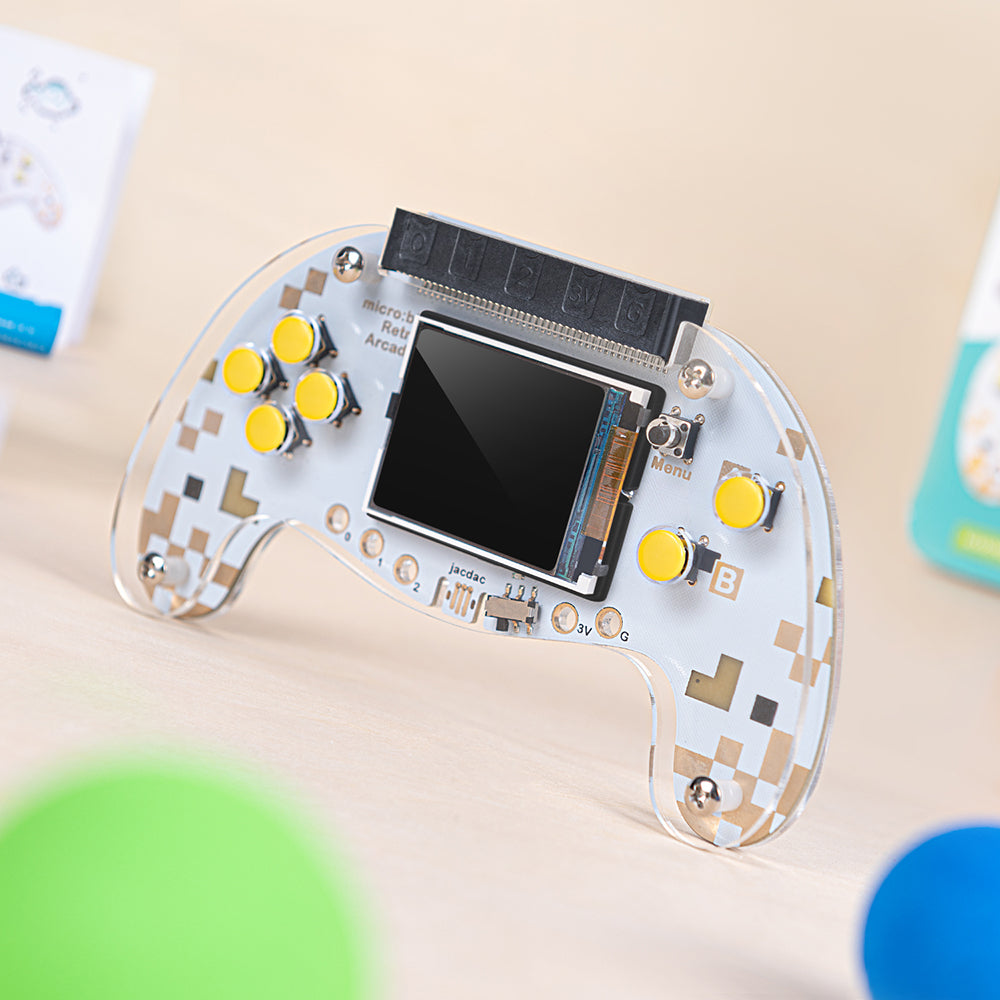
ELECFREAKS Microsoft MakeCode micro bit Arcade is a color screen joystick expansion board for micro:bit V2, it contains a TFT 160*128 color screen, 4 directional buttons, two A/B buttons and a reset button. micro:bit Arcade can be used with micro:bit V2 to program games online and play offline on the Microsoft MakeCode Arcade programming platform. It is a simple and fun way to help children write their own games and understand the mystery behind them. It also supports custom game characters, diverse scenarios and plot design using graphical programming software, making it easy for everyone to achieve fun electronic creations and unlimited game ideas. micro:bit Arcade can also be used as a remote control handle in addition to a game programming learning machine.

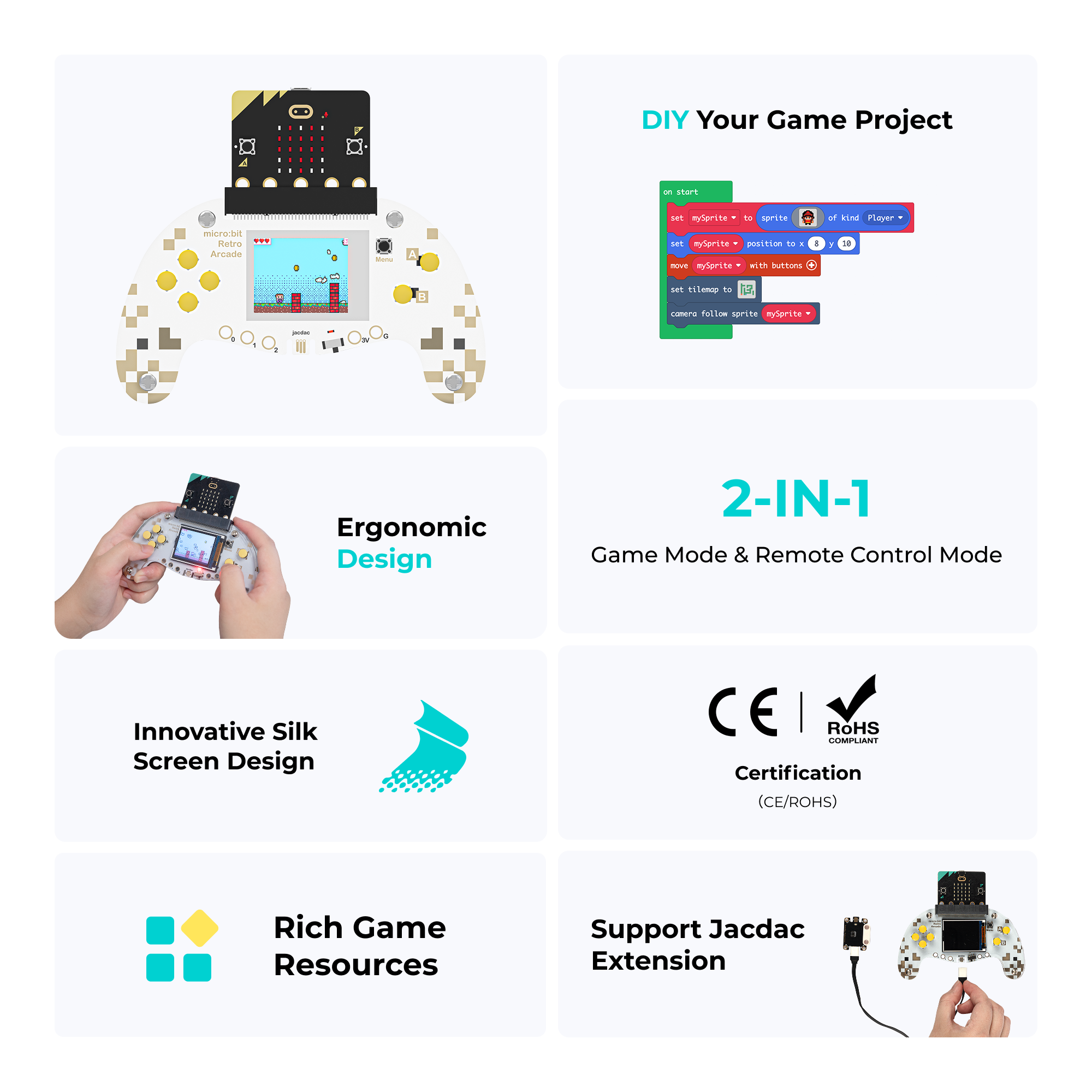
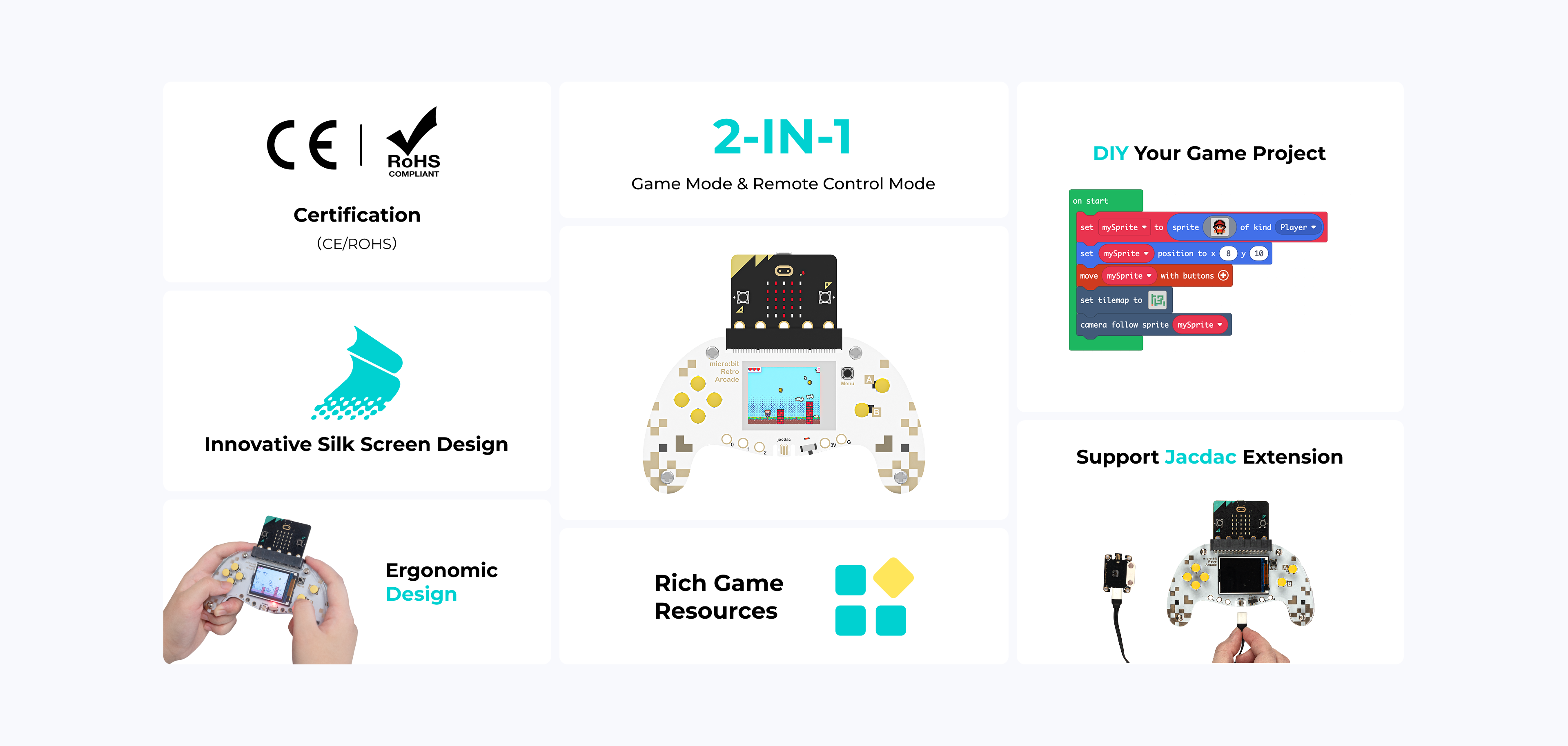
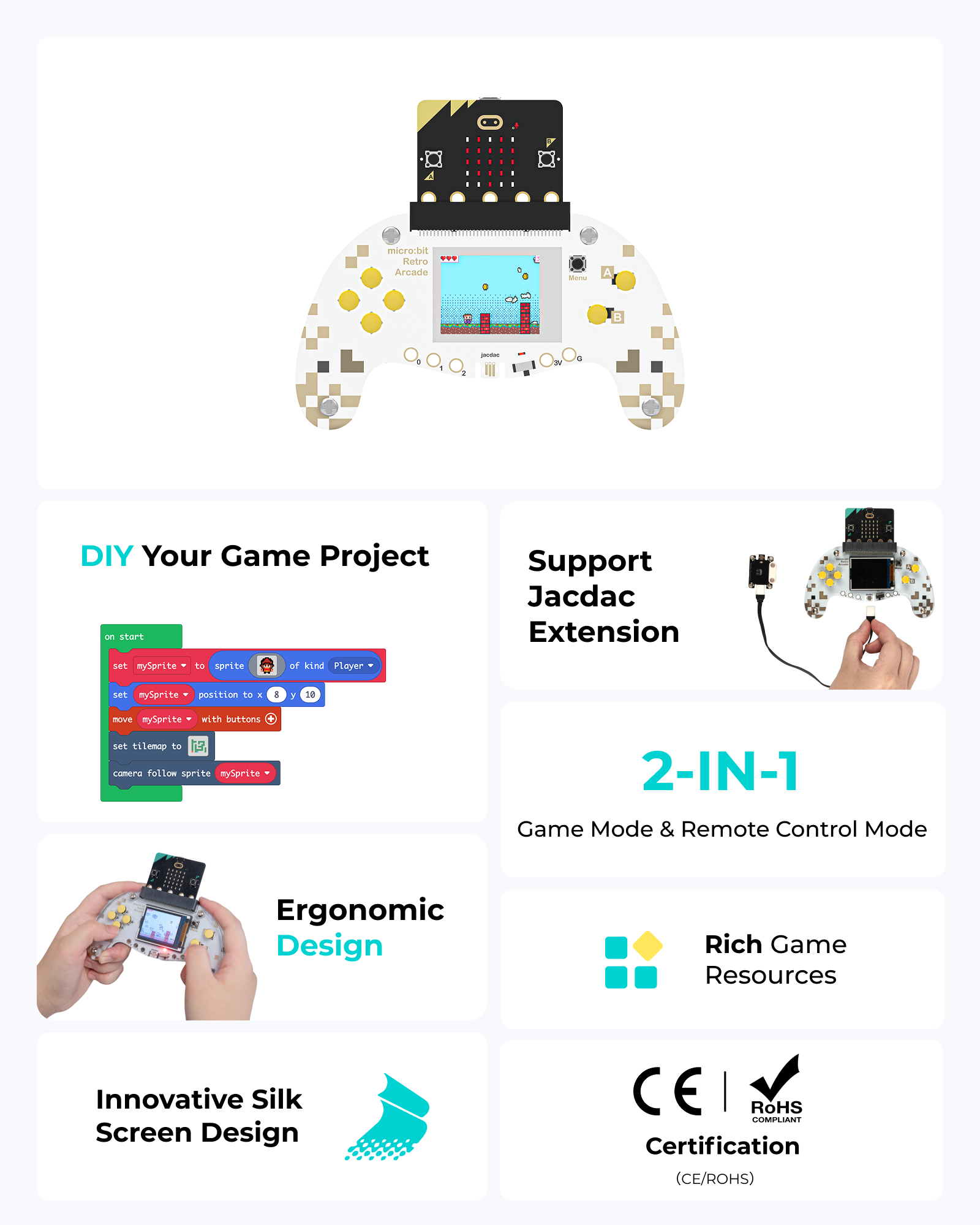
micro bit arcade kit feature overview showing CE and RoHS certification, 2-in-1 game and remote control modes, DIY graphical programming, innovative silk screen design, ergonomic controller layout, rich game resources, and support for Jacdac expansion micro bit arcade kit feature overview showing CE and RoHS certification, 2-in-1 game and remote control modes, DIY graphical programming, innovative silk screen design, ergonomic controller layout, rich game resources, and support for Jacdac expansion

Details

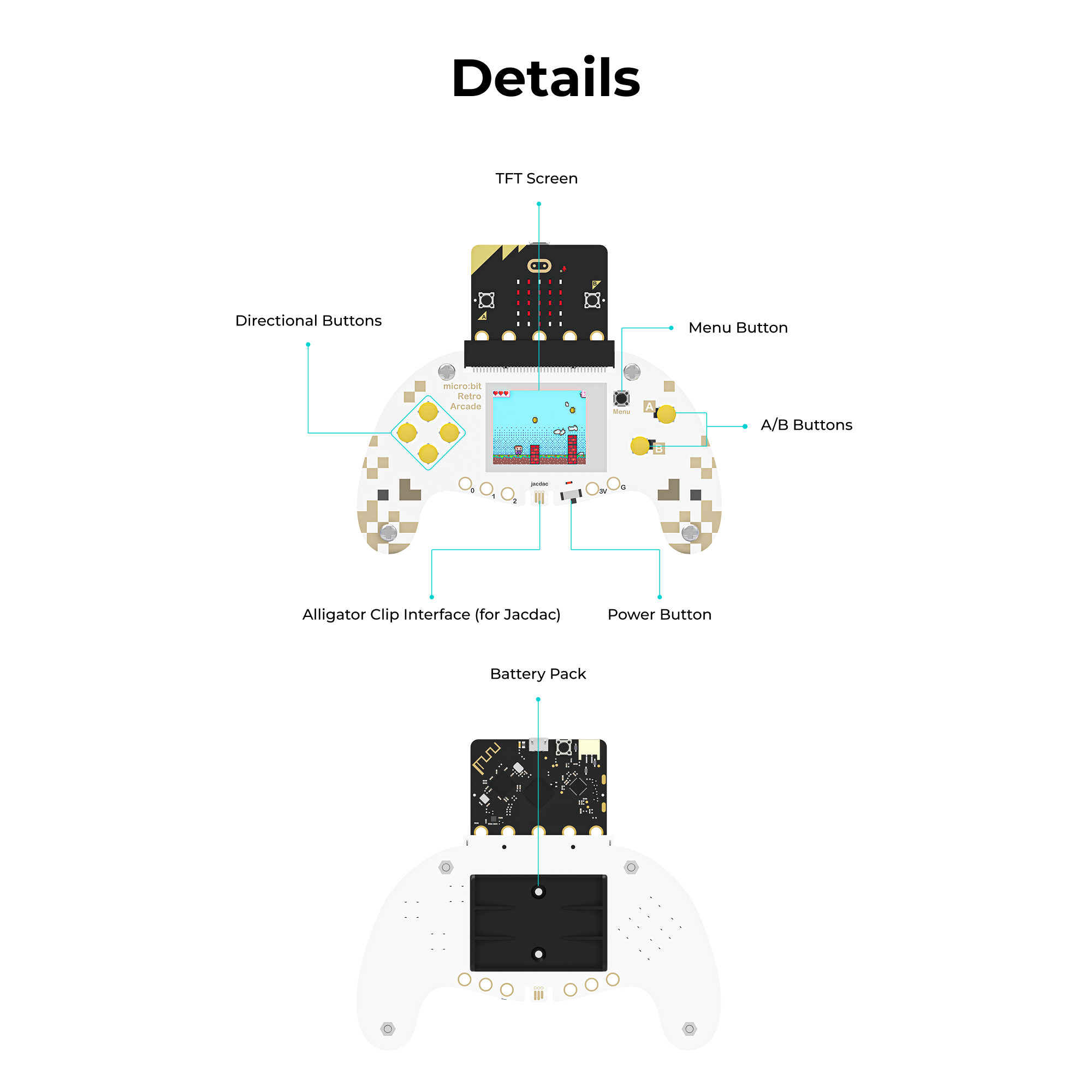
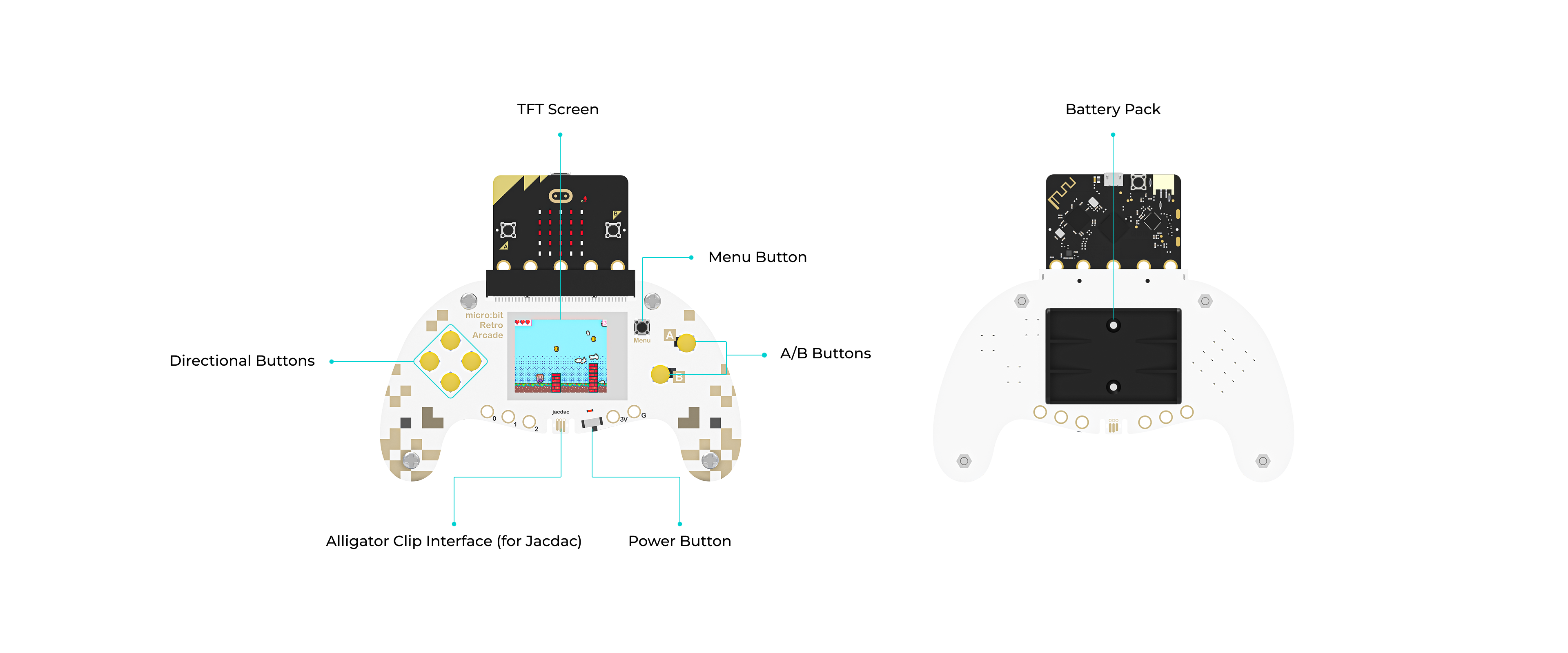
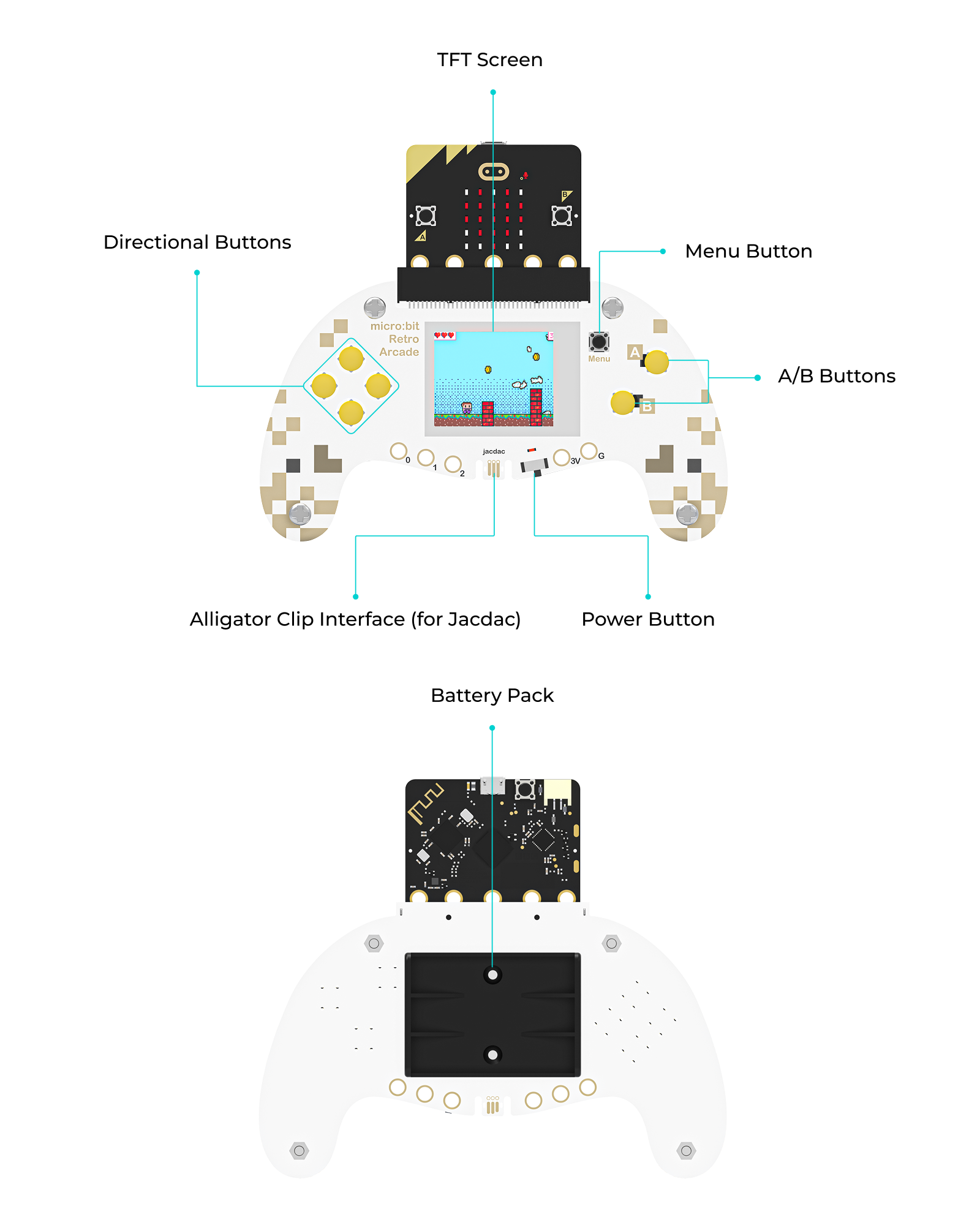
Front and back view of a micro bit arcade controller showing labeled components including the TFT screen, directional buttons, A and B buttons, menu button, power button, Jacdac alligator clip interface, and battery pack Front and back view of a micro bit arcade controller showing labeled components including the TFT screen, directional buttons, A and B buttons, menu button, power button, Jacdac alligator clip interface, and battery pack

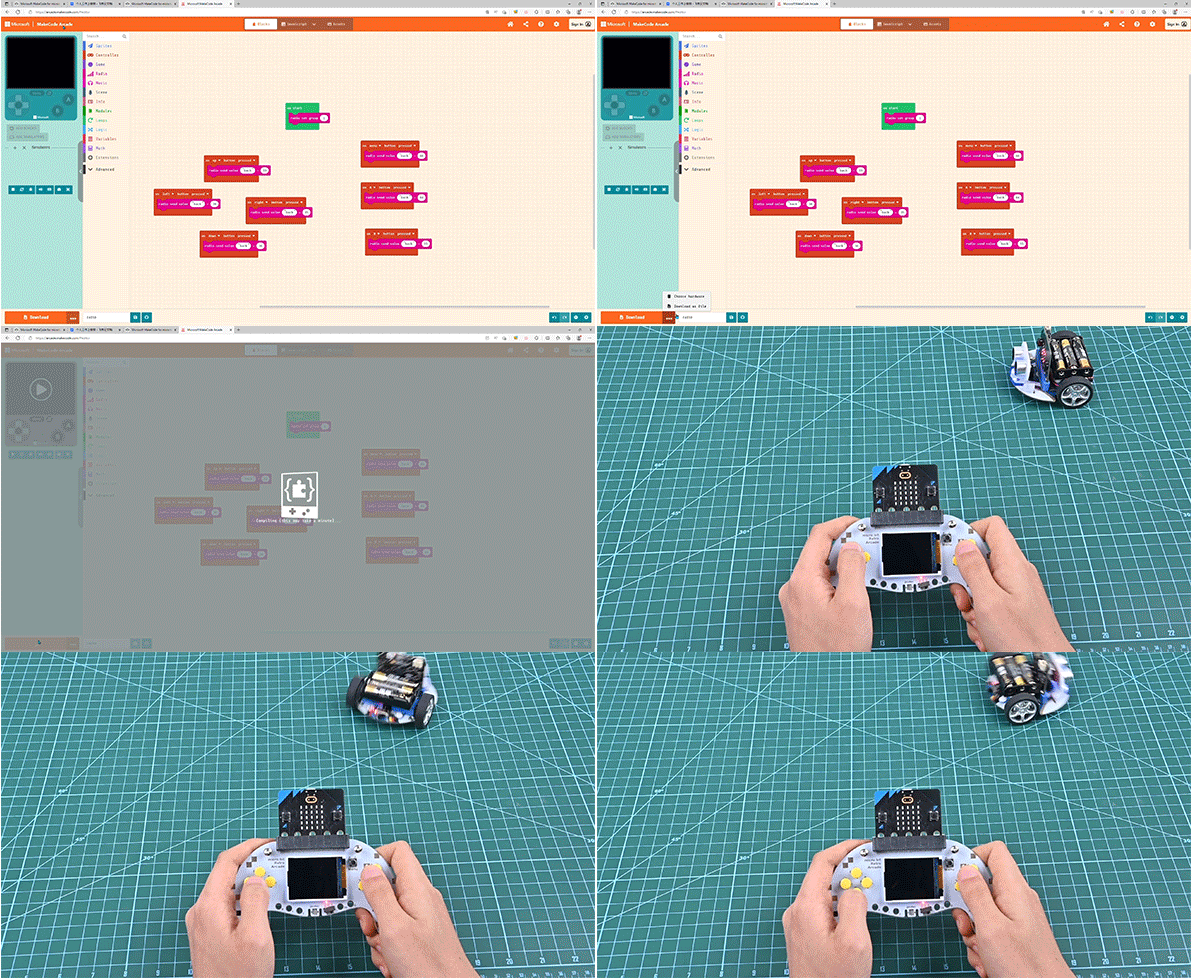
2-IN-1: Game & Remote Control

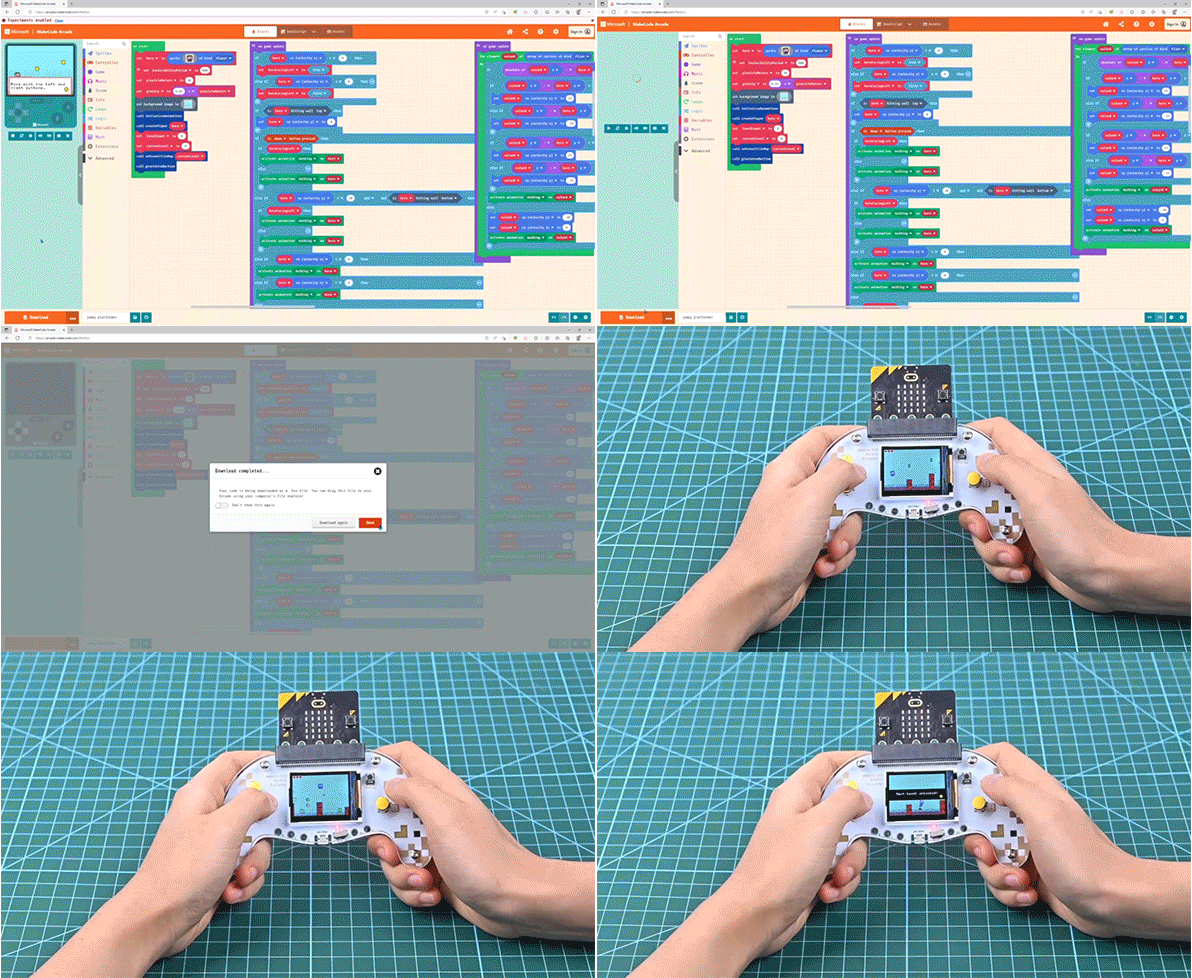
Animated demo showing a micro bit arcade game being programmed in the MakeCode block editor, with drag-and-drop coding blocks used to create game logic and preview the gameplay

Graphical programming to make games

Animated demonstration of creating a micro bit arcade game in the MakeCode editor, showing blocks being arranged to program button controls and game behavior

Wireless remote control handl

User-Friendly Design

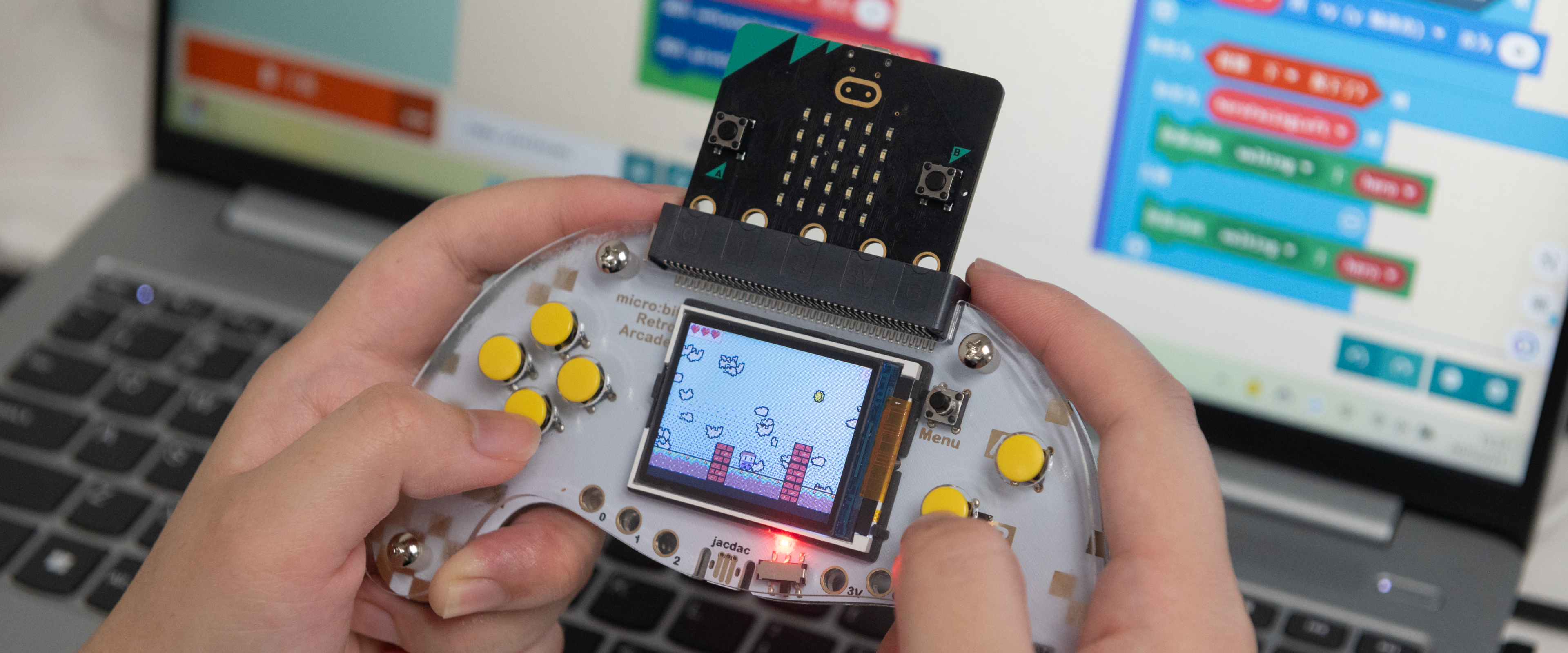
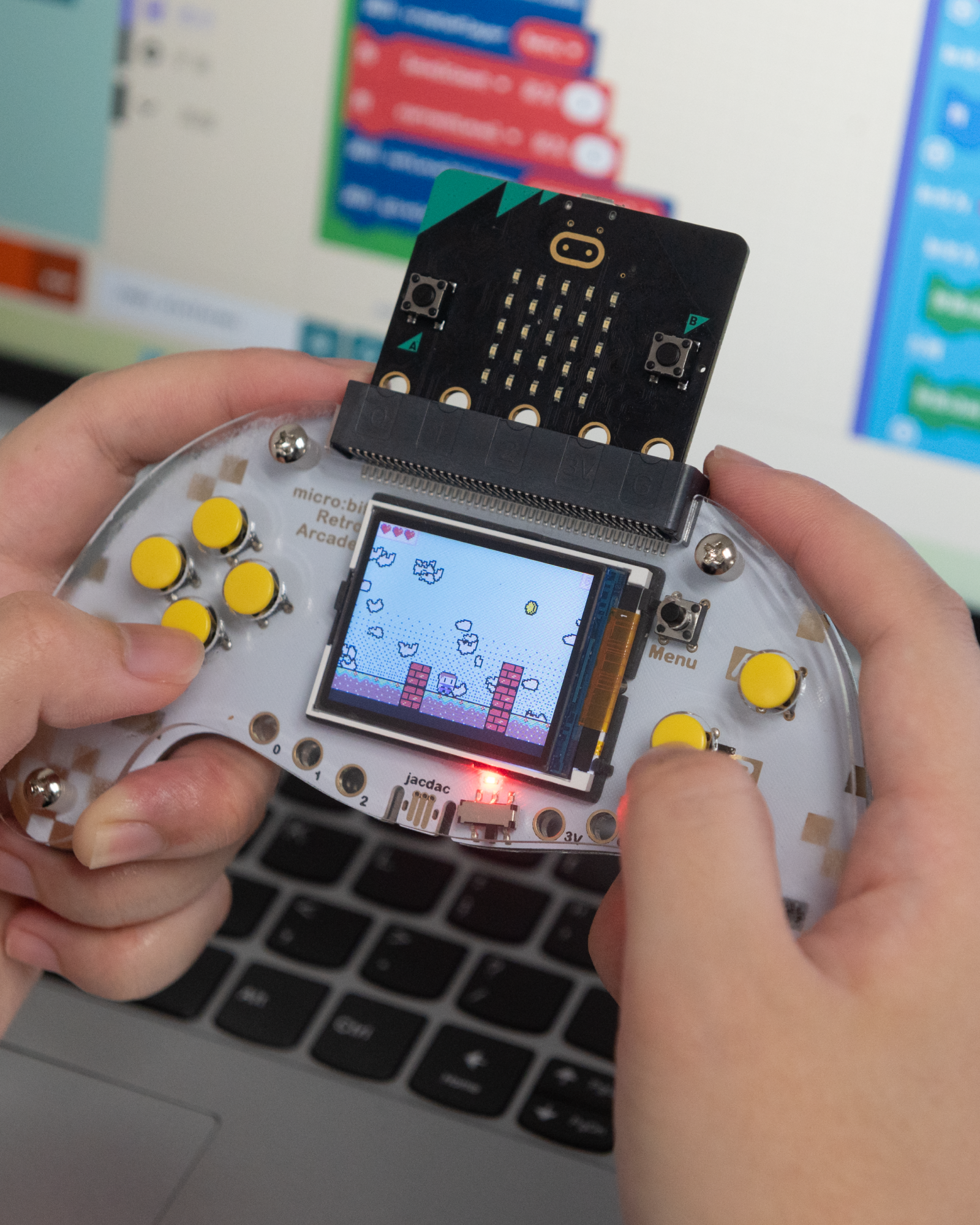
The micro bit Arcade features a unique silk screen design that not only enhances its visual appeal but also provides clear guidance for users. Its ergonomic shape ensures comfortable handling during extended play sessions, making it perfect for both learning and entertainment.

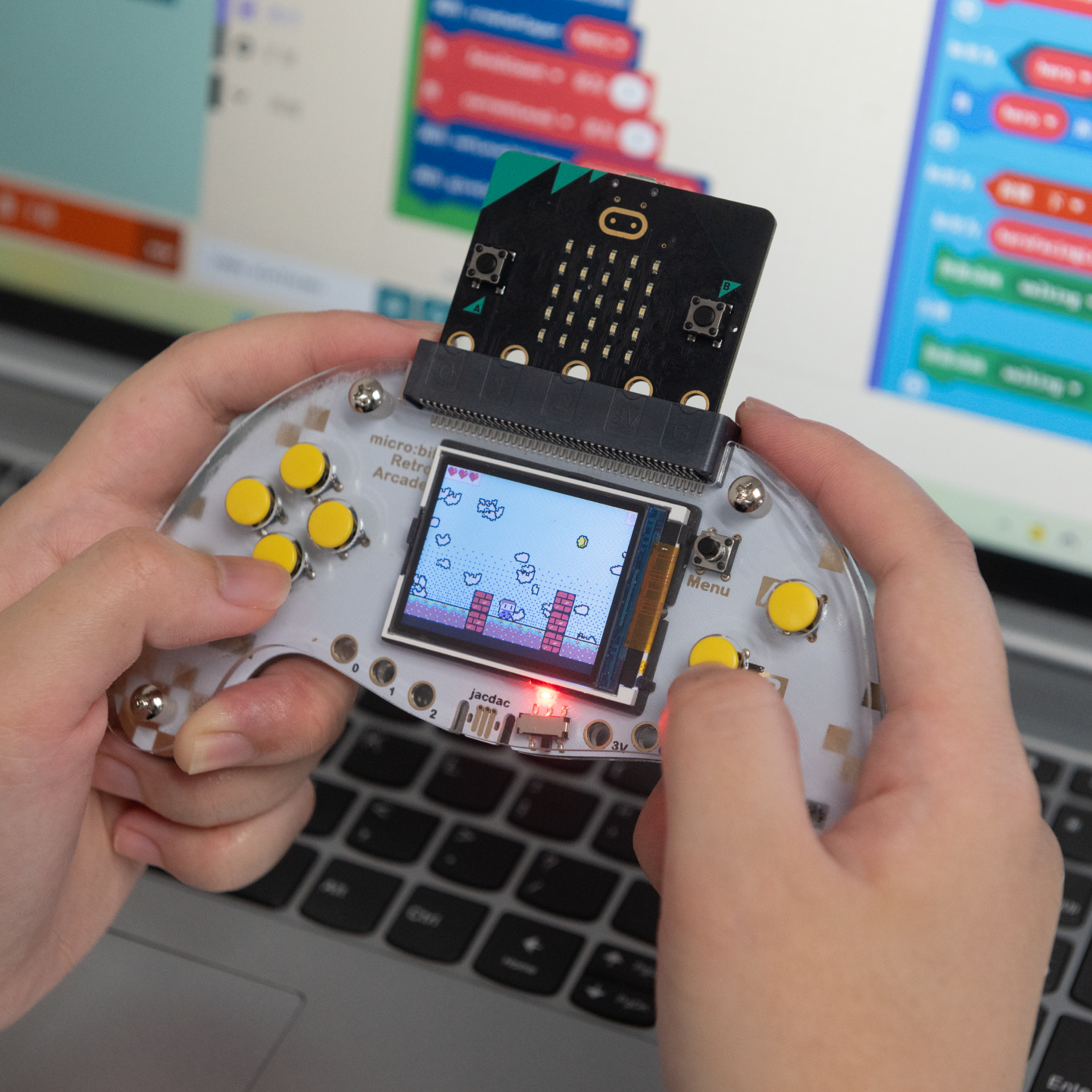
Hands holding a micro bit arcade handheld device while playing a retro-style game, with MakeCode block programming displayed on the laptop screen in the background Hands holding a micro bit arcade handheld device while playing a retro-style game, with MakeCode block programming displayed on the laptop screen in the background

Learn through Play with micro bit Arcade

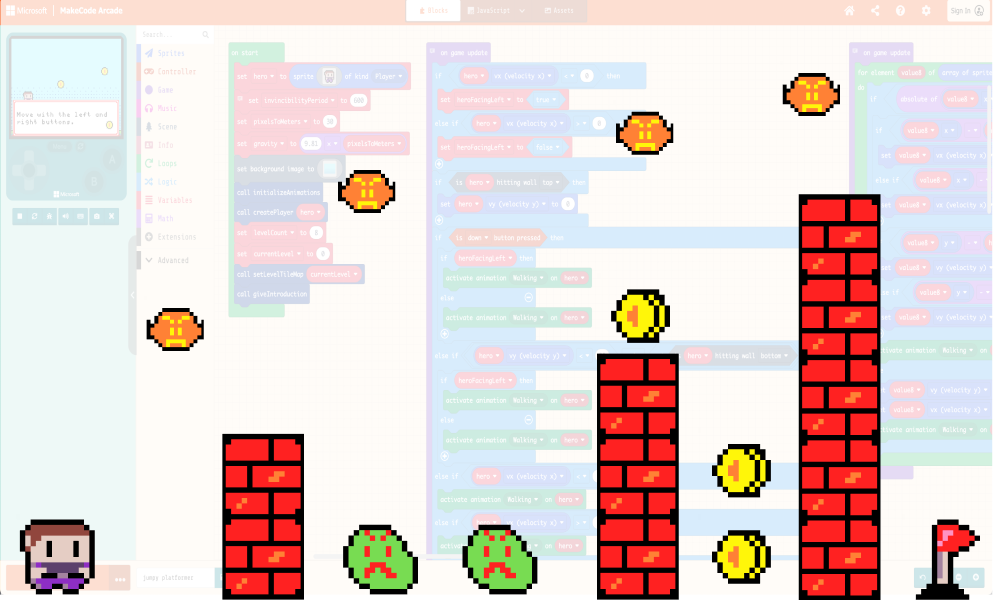
micro bit arcade MakeCode interface showing custom game elements, encouraging creativity and self-expression through designing unique characters, game sets, and storylines

Support MakeCode Graphical Programming

Creativity and self-expression are encouraged through the creation of custom game sets, characters, and storylines.
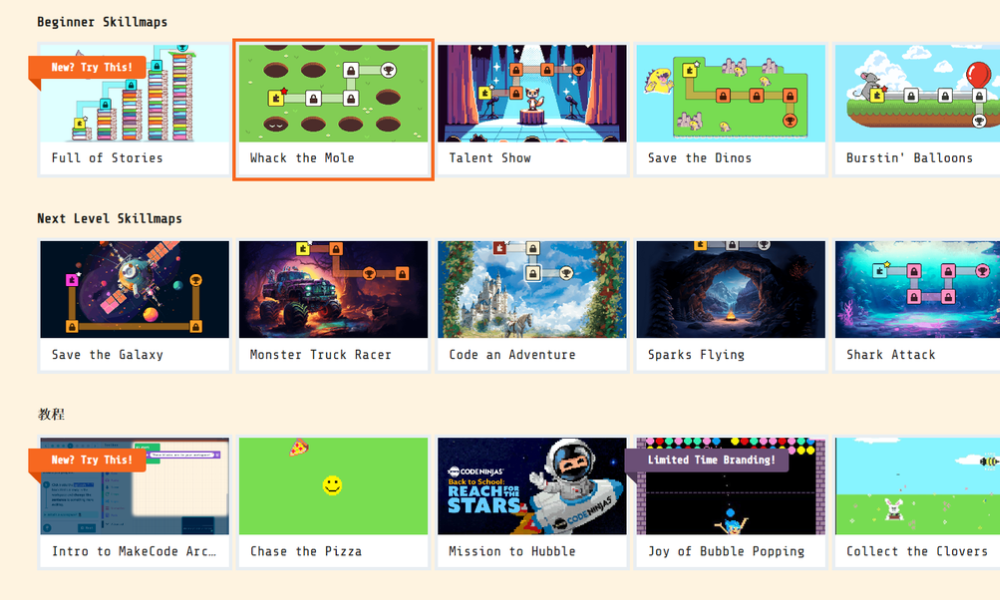
Gallery of micro bit arcade game tutorials and skillmaps from the official website, offering a wide range of beginner and advanced coding activities to help children learn game programming easily

Rich Case Resources

The official website provides a wealth of game programming codes and tutorials, making it easier for children to get started.
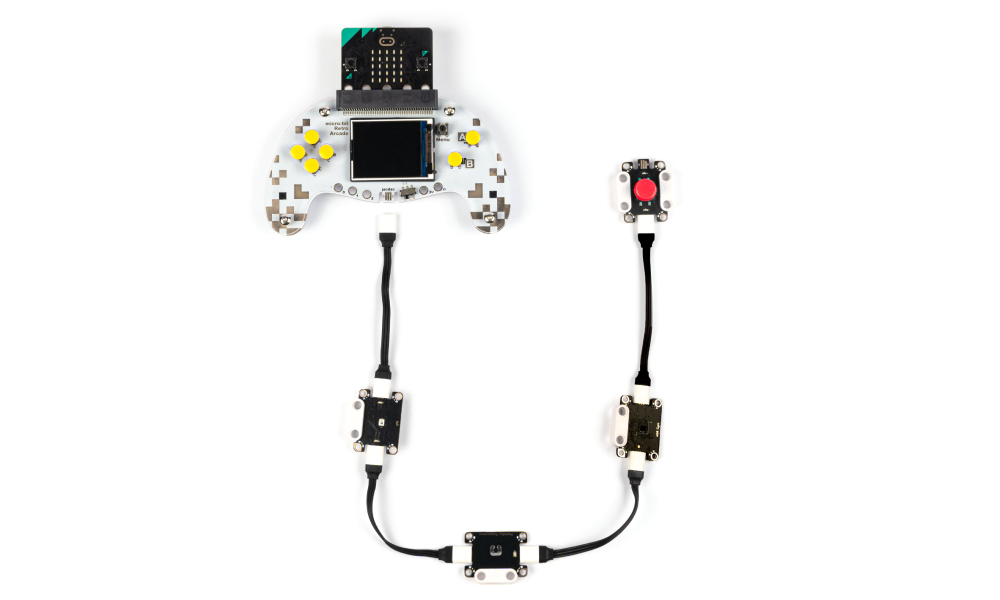
micro bit arcade controller connected to multiple Jacdac modules using wired connectors, demonstrating how external sensors and buttons can be integrated for interactive projects

Jacdac Extension & Alligator Clip Interface

For the Jacdac system that Microsoft launched, we have set an alligator clip interface, which can be more perfectly adapted to the operation of the Jacdac system.

Application

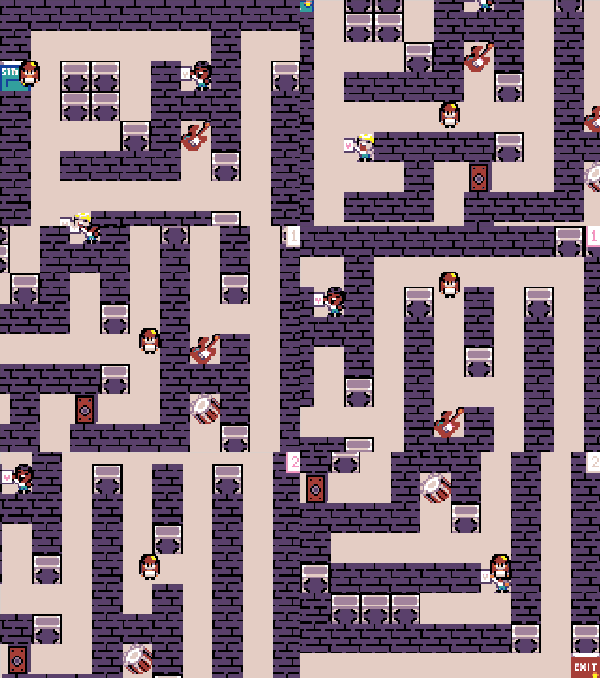
micro bit arcade pixel scene showing a character navigating an 80s rockstar themed maze with walls, doors, obstacles, and interactive items

80s Rockstar Maze

micro bit arcade pixel scene showing red bullseye targets arranged in rows across a bright sky with layered white clouds

Target Practice

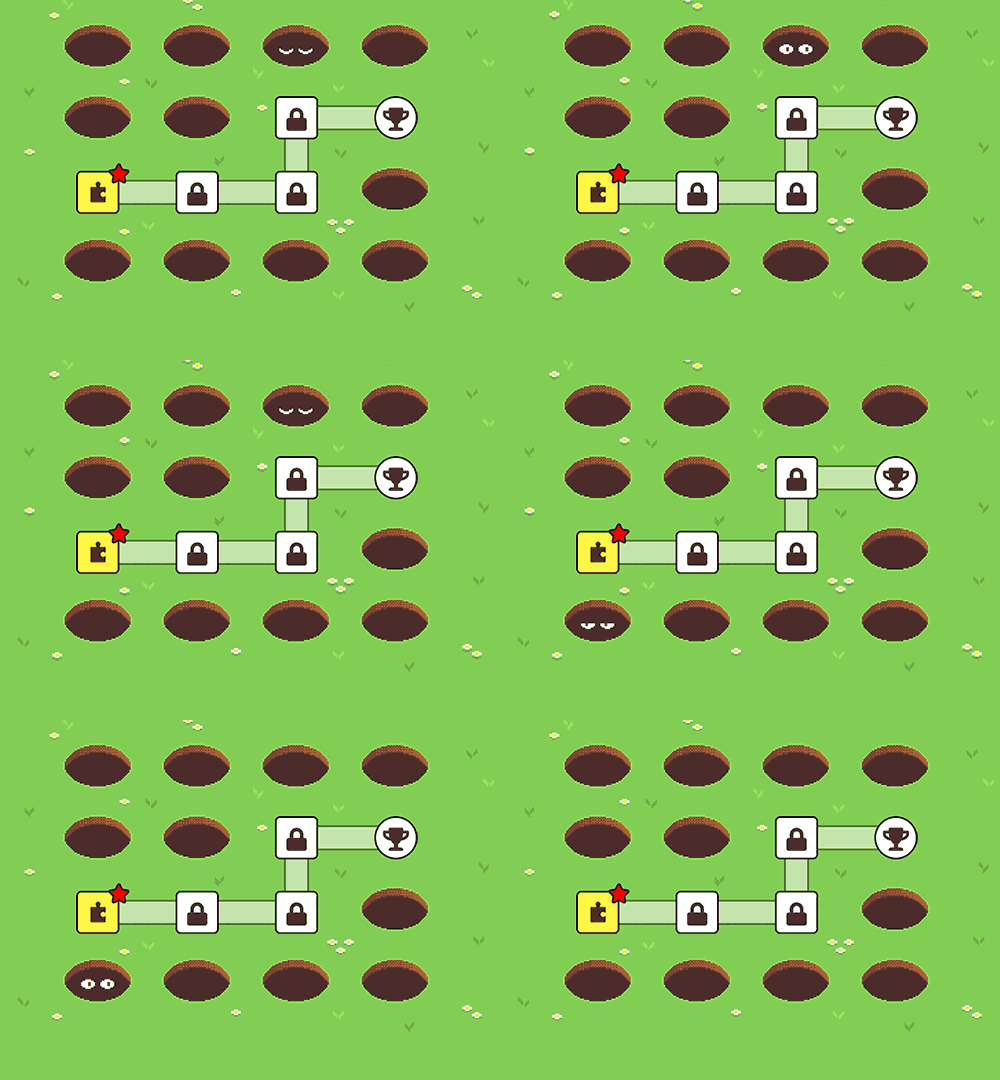
micro bit arcade pixel level map showing a grassy field with mole holes, a highlighted starting tile, locked path nodes, and a trophy icon as the final goal

Whack the Mole

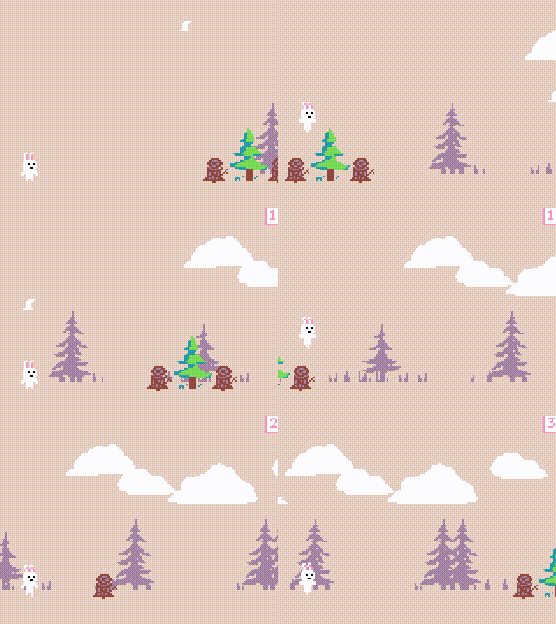
micro bit arcade pixel scene: Bunny Hop

Bunny Hop

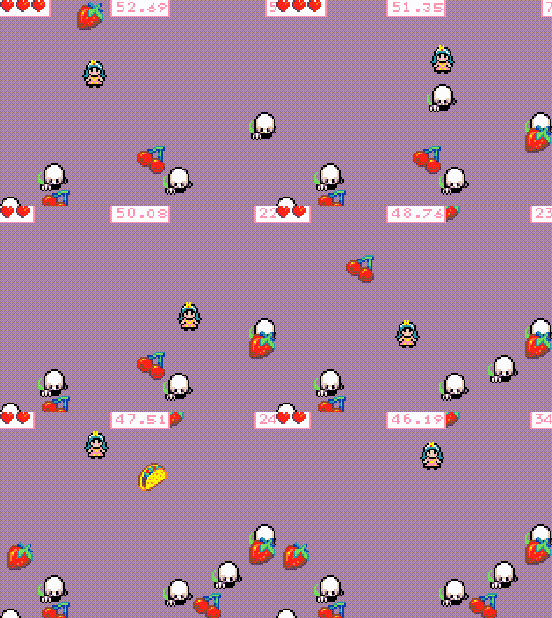
micro:bit arcade game case: Eater Princess

Eater Princess

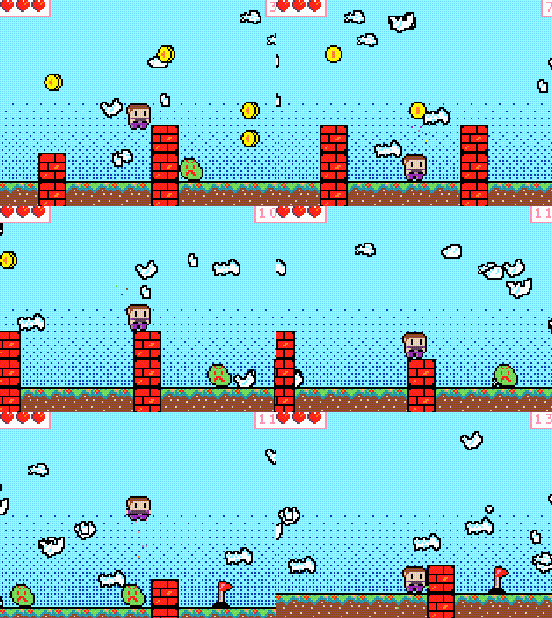
micro:bit arcade game case: Jumpy Platformer

Jumpy Platformer

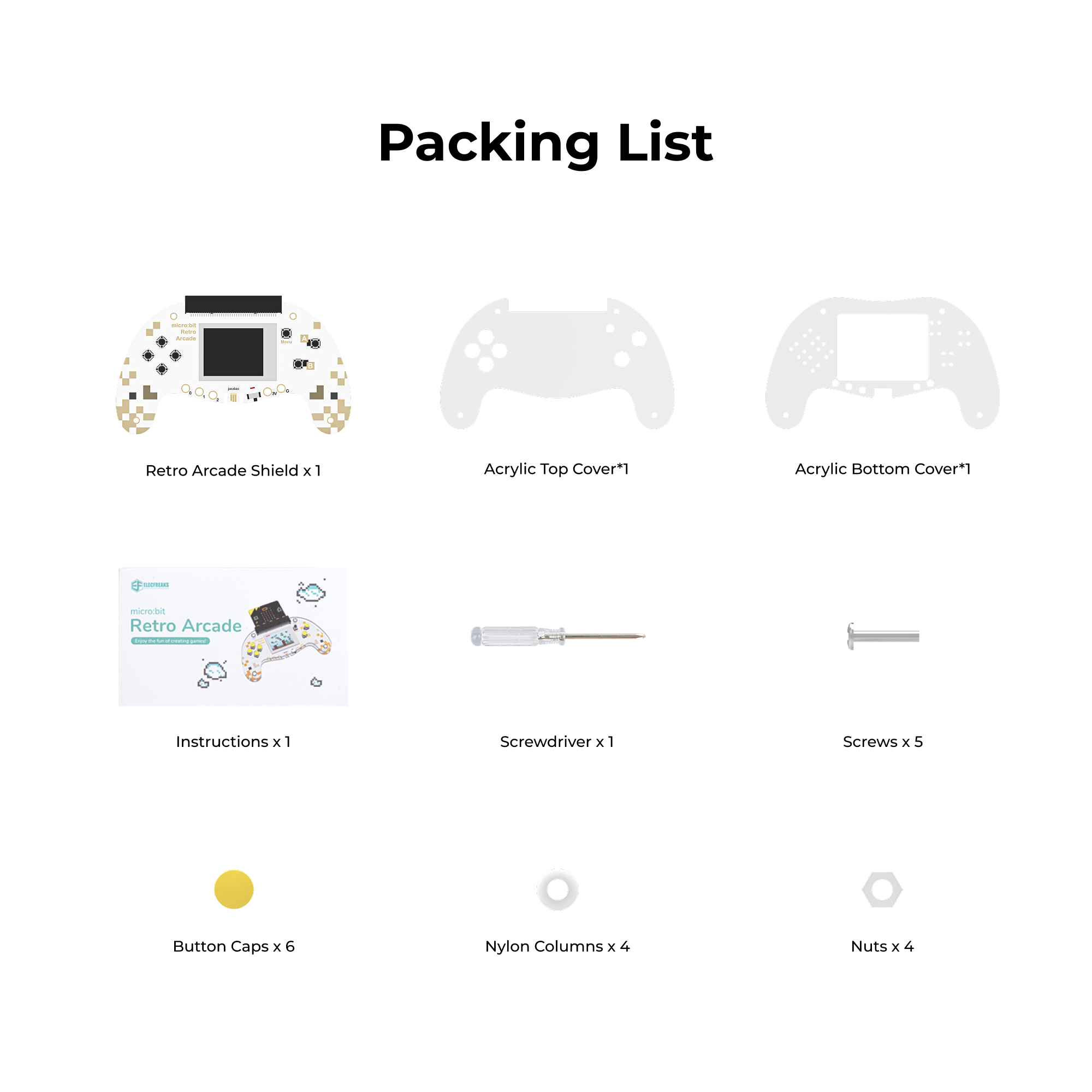
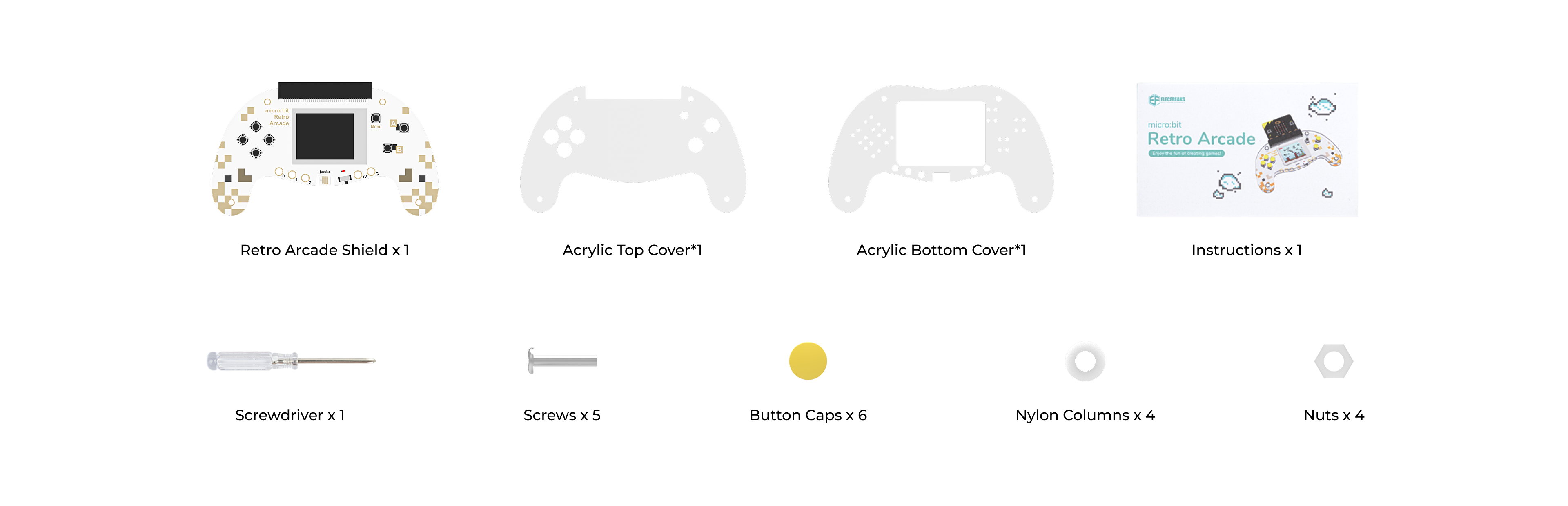
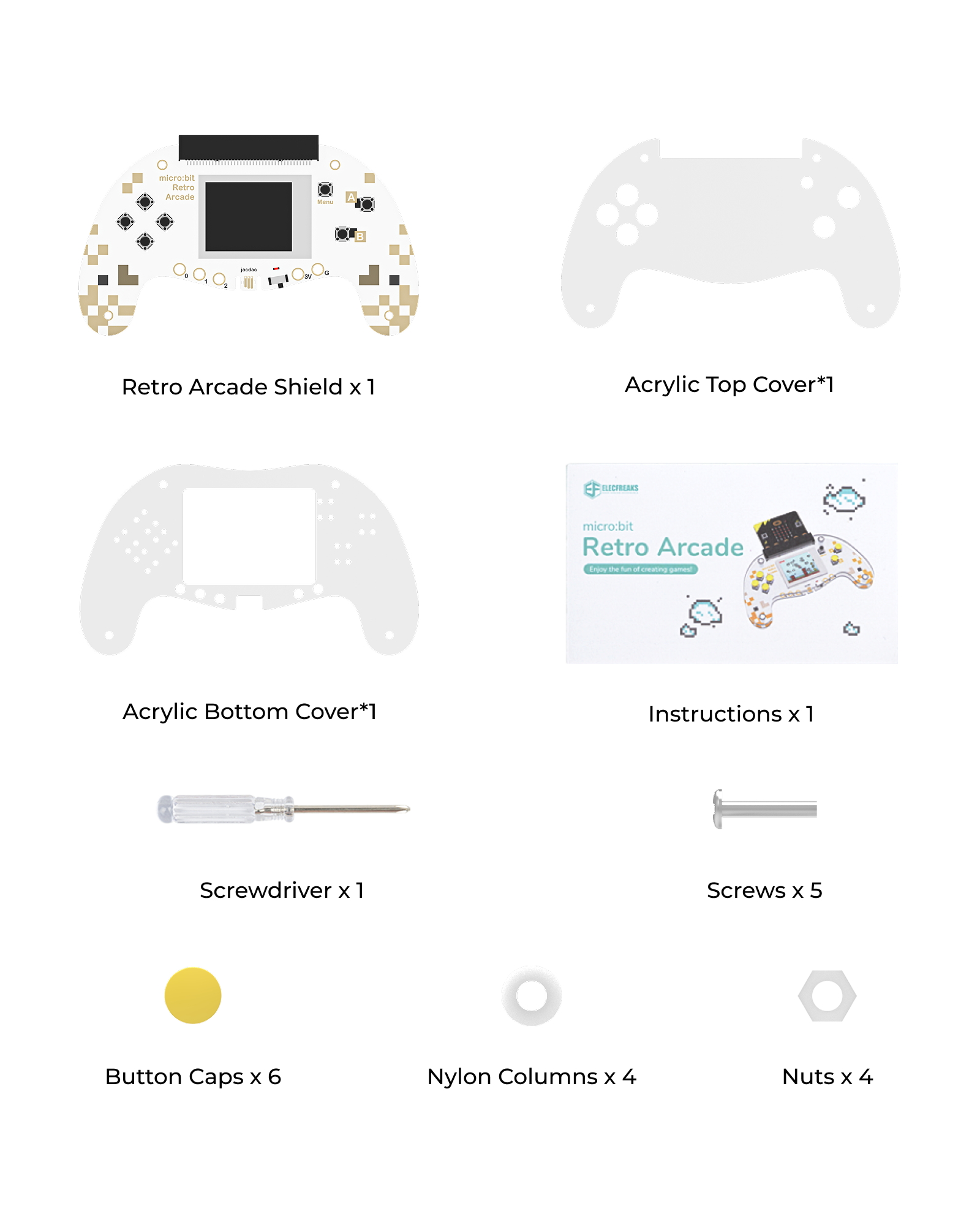
Packing List

micro bit arcade kit including the arcade shield, acrylic top and bottom covers, button caps, screws, nuts, nylon columns, a screwdriver, and instructions micro bit arcade kit including the arcade shield, acrylic top and bottom covers, button caps, screws, nuts, nylon columns, a screwdriver, and instructions

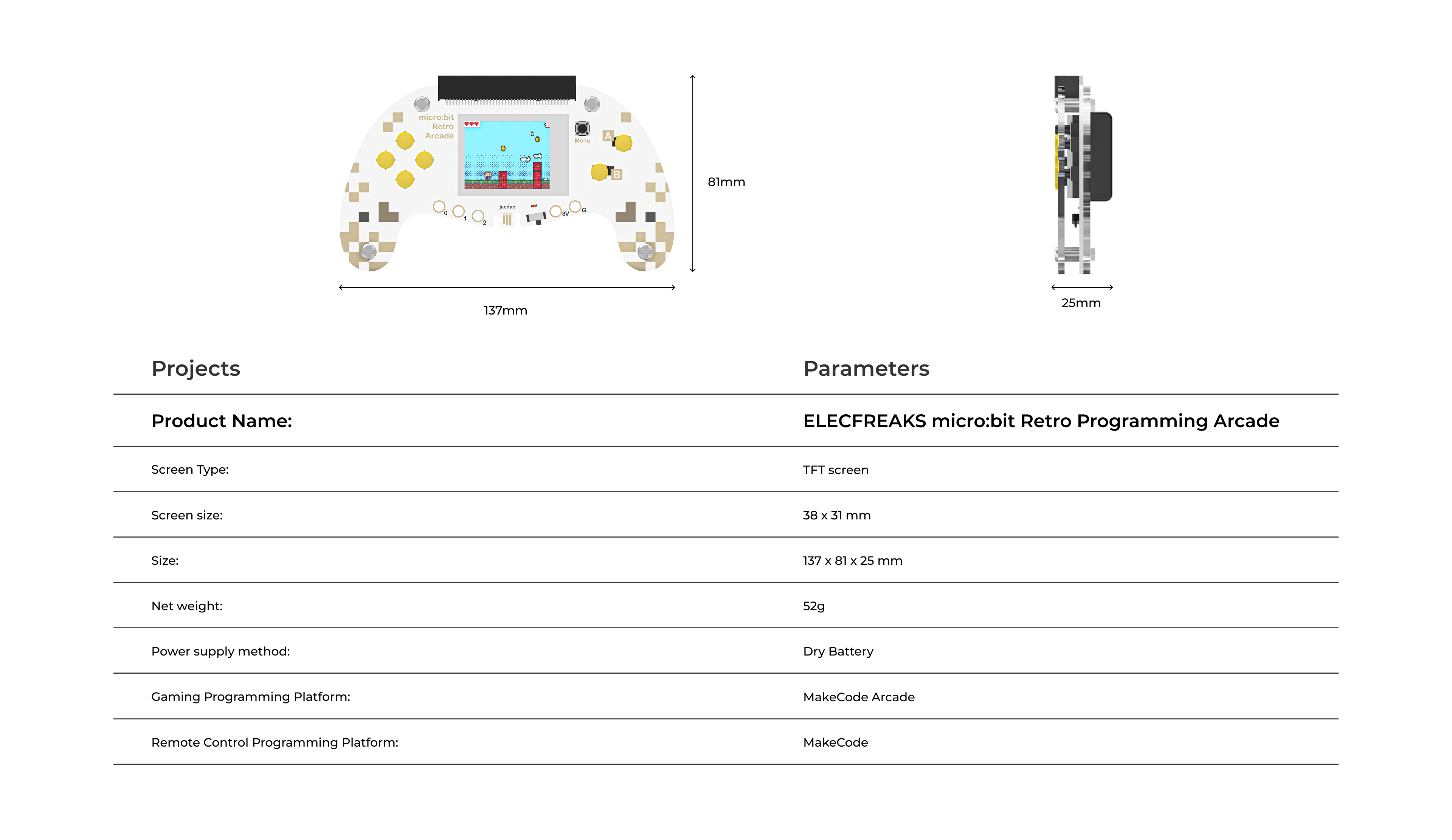
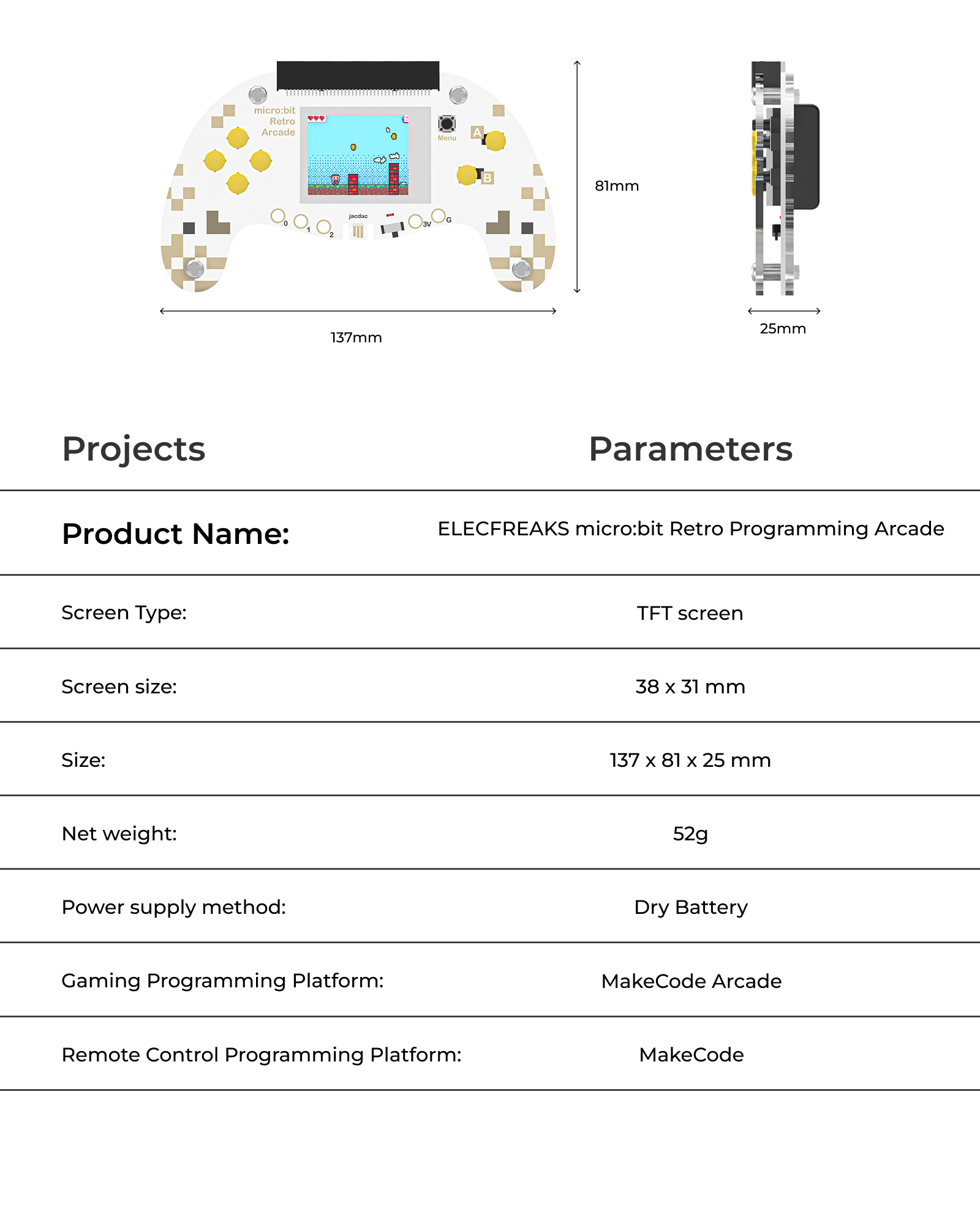
Specs

micro bit arcade micro bit arcade

Recommended for You